
Help Using Teach2030
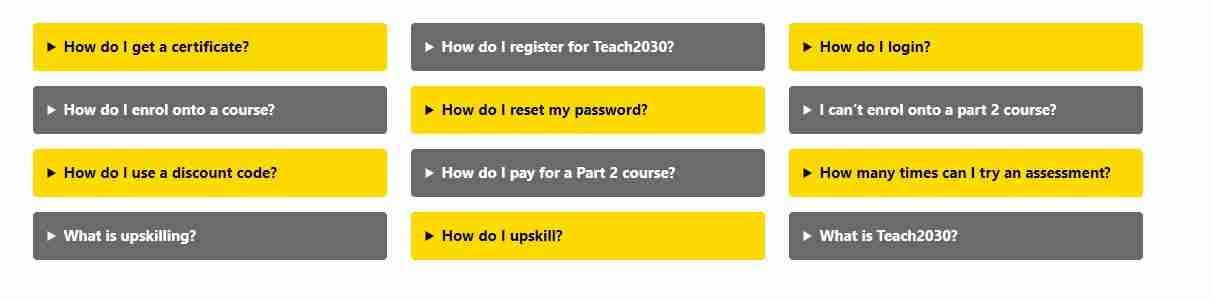
The Teach2030 website has dedicated Help section that contains Frequently Asked Questions and help videos. They are found in the Help section in the menu bar (at the top of the website).
It’s now time to take your first Teach2030 course. Remember to update your teacher portfolio throughout. Try to complete all activities, tasks and reflections – pause the course as needed. To see real change and impact in the classroom, complete the activities and courses slowly.