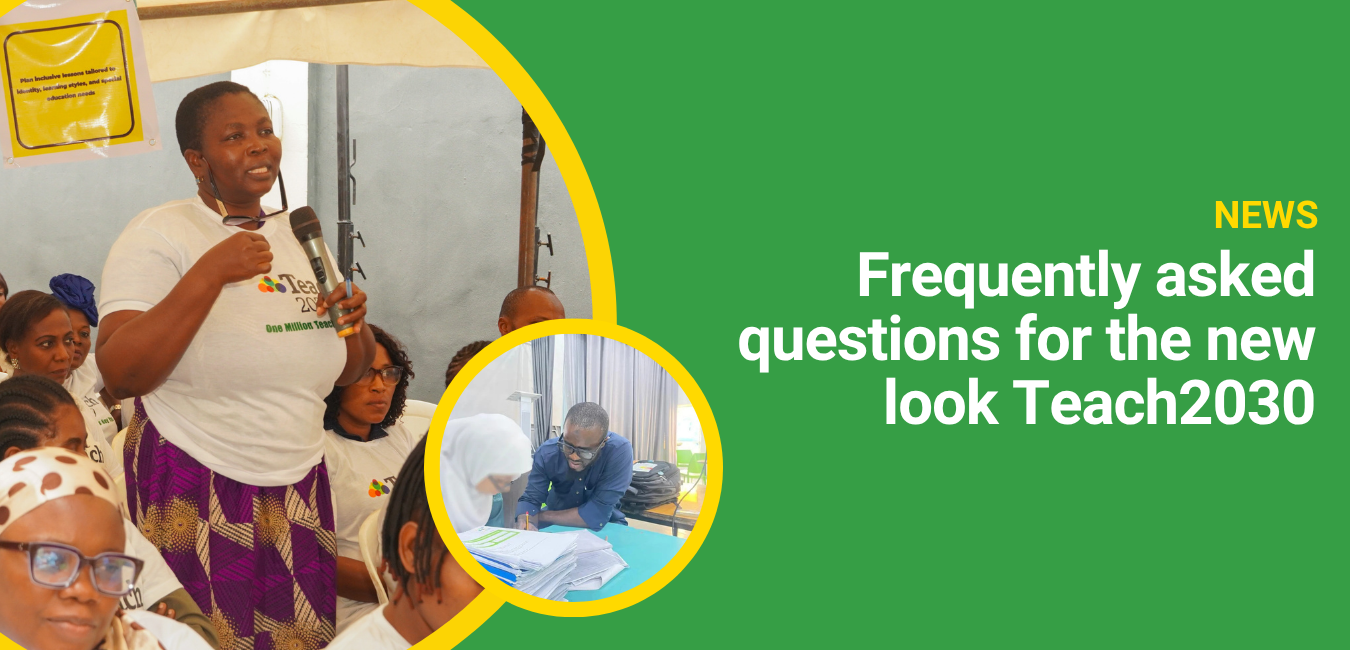
Frequently asked questions for the new look Teach2030

Do I need to create a new account?
No. If you already have a Teach2030 account, you can continue to log in as normal using your existing details.
Will I still be able to access my courses?
Yes. Your courses remain exactly where they are, and you can continue learning at your own pace.
What will happen to my existing profile?
Your existing profile will be updated to include the new features. You’ll be able to personalise it further, track your course progress, view certificates, and share updates within the community.
What is the Teacher Portfolio?
The Teacher Portfolio is a new space where you can upload and store your professional development evidence, including certificates, documents, photos and videos.
What are Groups?
Groups are spaces within Teach2030 where teachers can connect around shared interests, courses, or areas of teaching practice. They allow you to discuss ideas, ask questions, and learn collaboratively.
What is the Activity Feed?
The Activity Feed brings together updates from the teachers and groups you follow in one place, making it easier to stay connected and engage with the community.
Why are these changes being introduced?
We’re introducing these features to make Teach2030 more connected and collaborative, so teachers can learn from each other as well as through courses. Our goal is to help teachers teach better and thrive in their profession.